



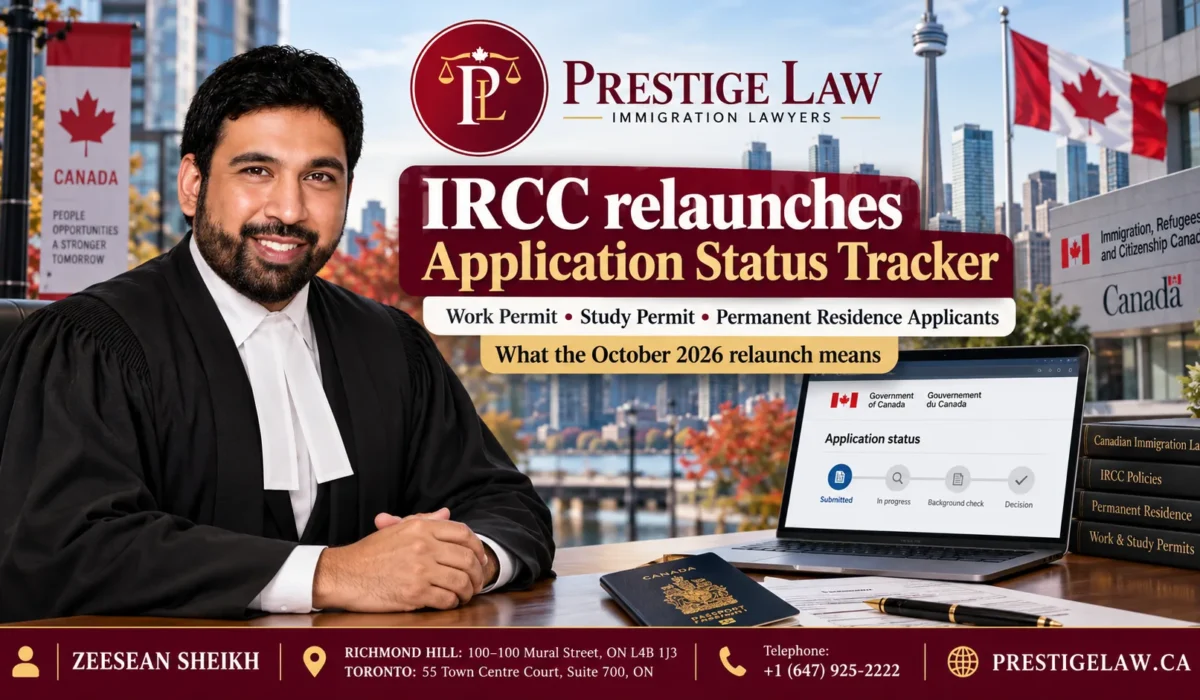
IRCC relaunches Application Status Tracker for work permit, study permit, and permanent residence applicants
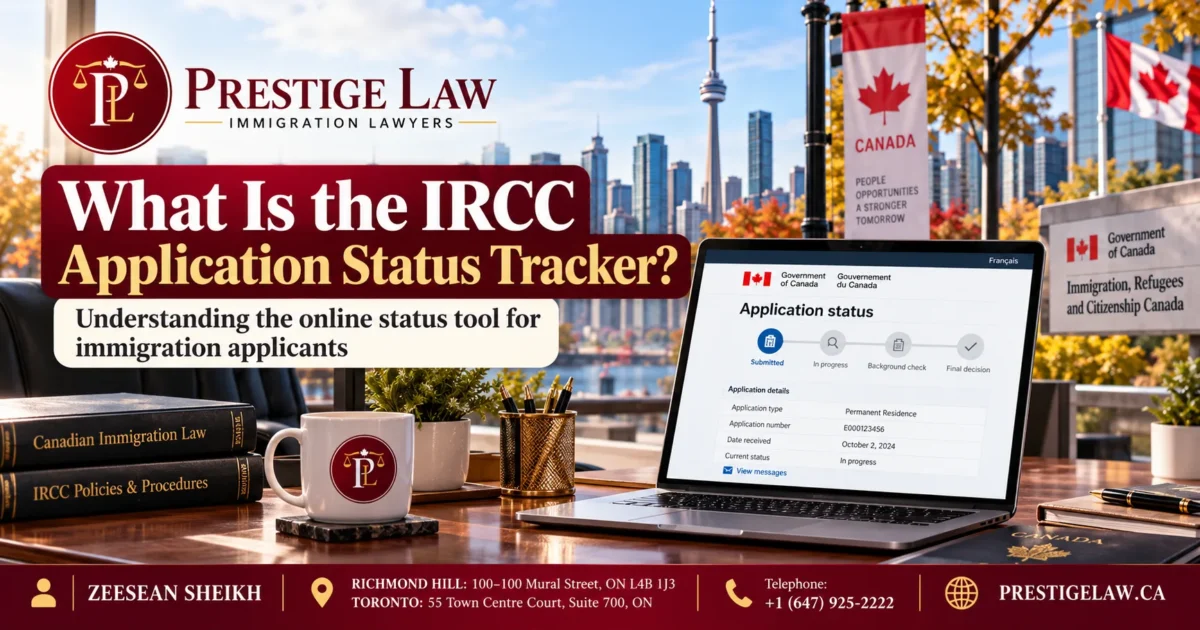
What the October 2026 relaunch means, who can use it, how to read every status, and what to do while you wait for a decision from Canada’s immigration department
By Prestige Law | Immigration Law Firm in Richmond Hill and Toronto, Ontario, Canada
The IRCC Application Status Tracker is back online. Immigration, Refugees and Citizenship Canada (IRCC) relaunched the tool on October 14, 2026, giving people who applied for a work permit, a study permit, a visitor visa, and certain permanent residence applications a clearer view of where their file stands. For anyone who has refreshed an online account for weeks without learning anything useful, this is welcome news. It is also a tool that comes with rules, limits, and details that applicants should understand before they rely on it.
This guide explains what the relaunched tracker does, who can use it, what you need to sign in, how to read each status, and what the tool cannot tell you. It also covers common problems, mistakes to avoid, and the most searched questions about the tracker. If you are waiting on a decision, the information below will help you use the tool with confidence and avoid costly assumptions.
Key Takeaways About the IRCC Application Status Tracker Relaunch
- IRCC relaunched the Application Status Tracker on October 14, 2026, after taking the earlier version offline on May 14, 2026.
- The tool covers work permits, study permits, visitor visas, and some permanent residence application types, such as Express Entry and family sponsorship of a spouse, partner, or dependent child.
- You can only use it after IRCC issues an acknowledgement of receipt (AOR) confirming that it received a complete application.
- You need your application number and Unique Client Identifier (UCI), and you sign in with a supported bank or a GCKey username and password.
- The tracker shows four parts of your file: eligibility, medical exam, background verification, and biometrics, plus an overall status.
- Other file types, such as citizenship applications, PR card renewals, and some permanent residence streams, still use different IRCC tools.
What Is the IRCC Application Status Tracker? IRCC Application Status Tracker Is Back
The IRCC Application Status Tracker is an online tool that lets applicants see progress on an application without calling IRCC or sending a web form. Instead of waiting for an email, a person can sign in and view a summary of what IRCC has reviewed and what it has not yet started.
The tool is designed to improve transparency. Immigration applications can take months, and silence from the department creates stress, especially for workers whose permits are about to expire, students who must arrive before a semester begins, and families planning around a possible approval. A reliable tracker will not speed up your file, but it can reduce uncertainty and help you spot a missing step, such as biometrics that were never completed.
It is important to understand what the tracker is not. It is not a processing time estimator; it does not predict a decision date, and it does not replace the messages and requests that IRCC sends to your online account or email. Think of it as a progress dashboard rather than a decision tool.
From Shutdown to Relaunch: A Short Timeline
The story of the tracker over the past year explains why this relaunch matters.
May 14, 2026: IRCC disabled the earlier version of the tool. Reports at the time pointed to concerns about outdated information shown to applicants, and many people were left without a simple way to check progress.
May to October 2026: Applicants relied on their IRCC online accounts, the Client Application Status tool, and web forms. These options existed, but they often gave less detail about individual steps.
October 14, 2026: IRCC took the new tool live on its website. Applicants with an AOR could check four components of their application and an overall status.
The five months offline show that the department treated data accuracy seriously, which is a good sign. Still, a newly relaunched system can have rough edges, so applicants should treat what it shows as helpful guidance and keep reading their official messages.
Who Can Use the Application Status Tracker?
The relaunched tool is available for several of the most common application types. According to current reports, it supports:
- Work permits, including employer-specific permits, open work permits, and extensions where the application type is supported.
- Study permits, including new applications and extensions where supported.
- Visitor visas, also called temporary resident visas.
- Some permanent residence applications, such as Express Entry and sponsorship of a spouse, partner, or dependent child.
Several application types are not part of the tracker. Citizenship applications use a separate citizenship tracker. PR card renewals and many other permanent residence programs, including parent and grandparent sponsorship, are checked through the Client Application Status tool or your online account. Because IRCC can change the supported list at any time, check the official tracker page before you assume your file type is covered.
What You Need Before You Sign In
Preparation saves time and prevents lockouts. Before you open the tool, gather the following:
- An acknowledgement of receipt (AOR). This confirms that IRCC received a complete application. Until it is issued, the tracker will not show your file.
- Your application number. You can find it on the AOR or in correspondence from IRCC.
- Your Unique Client Identifier (UCI). This is the number linked to you as a client. It appears on many official letters.
- A way to sign in. You can use a supported bank or a GCKey username and password.
If you cannot find a number, search your email, including spam and junk folders, for messages from IRCC. If you applied through a representative, ask them to share the AOR, application number, and UCI so that you do not guess or enter incorrect values.
How to Check Your Status: Step by Step
The sign-in process is straightforward when you have the right information.
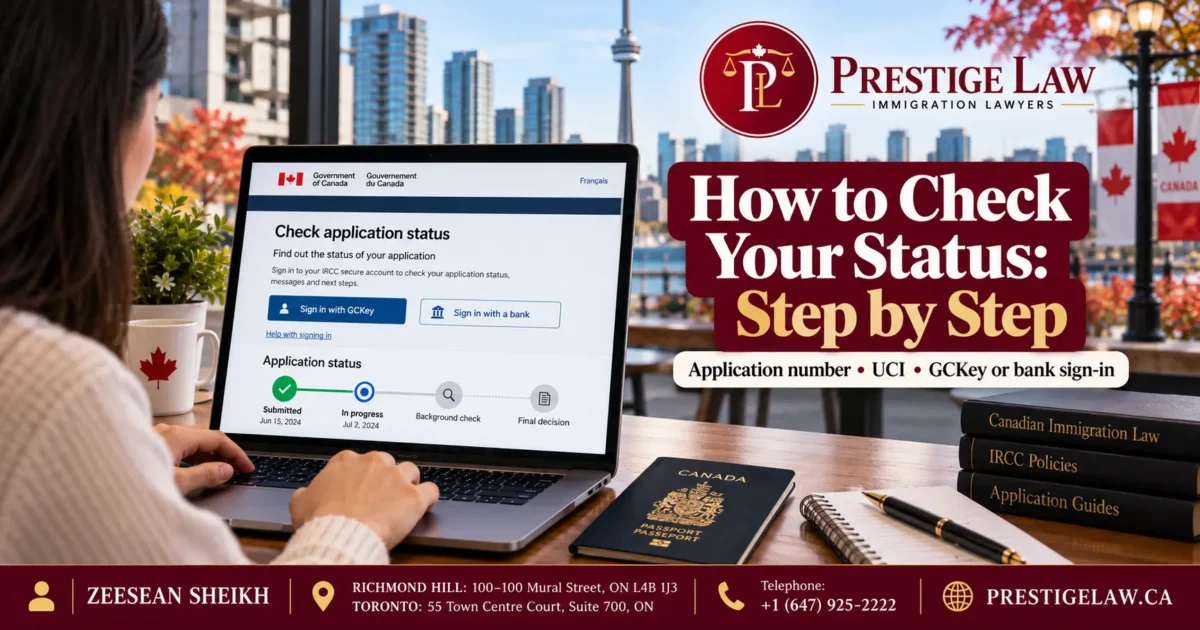
- Open the official IRCC Application Status Tracker page on the Government of Canada website. Avoid links in text messages, social media posts, or ads, because fraudsters copy government pages.
- Choose a sign-in method. If your bank is supported, you may use it. Otherwise, use your GCKey.
- Enter your application number and UCI when asked.
- Review the four components and the overall status.
- Save a screenshot or written note of what you see, with the date. This record helps if you later need to explain a timeline to a lawyer or to IRCC.
Known limitations are listed on IRCC’s own page. For example, bookmarks to a status page may not work, so return to the main tracker page each time rather than saving a deep link.
The Four Components Shown by the Tracker
The tracker breaks your file into four parts. Each part can carry a different status, so you can see where progress is happening and where it is stuck.
1. Eligibility
This is IRCC’s review of whether you meet the basic requirements for the application you submitted. For a work permit, that may include the job offer, authorisation requirements, and your qualifications. For a study permit, it often includes your letter of acceptance and proof of funds. A completed eligibility step does not mean approval. It means the department finished that stage of review.
2. Medical Exam
Some applicants need an immigration medical exam, depending on their country of residence, length of stay, and type of work or study. The tracker can show whether this step is not started, in progress, completed, or exempted. If you were told to complete a medical exam and the tracker still shows it as not started, act quickly and review your instructions.
3. Background Verification
This covers security and criminal checks. Many applicants worry when this stage stays in progress for a long time. A long in-progress status is not by itself a sign of a problem. Some files need extra review because of travel history, past applications, or the information provided. Do not assume refusal because of a slow background check.
4. Biometrics
Most applicants between certain ages must give fingerprints and a photo. The tracker shows whether IRCC has received them. If you have not yet attended an appointment, the status can stay at not started. Giving biometrics promptly prevents avoidable delay.
What Each Status Label Means
The tracker uses a small set of labels for each component. Learning them removes most of the confusion.
- Not started: IRCC has not begun reviewing that portion of the application.
- In progress: IRCC is still reviewing that portion.
- Completed: IRCC has finished reviewing that portion.
- Exempted: You do not need to complete that section. For example, some applicants are exempt from a medical exam or from biometrics.
A common mistake is to read not started as a problem. In many files, the department works through steps in a certain order, so not started can simply mean that your file has not reached that step. The status that deserves attention does not match a request you received, such as a pending biometrics instruction paired with a medical exam that remains not started.
The Overall Status Explained
Beyond the four components, the tool shows an overall status for the application. It generally reads received, in progress, or closed.
- Received means IRCC has your application in its system.
- In progress means officers are working on at least part of the file.
- Closed means IRCC has finished its work on the application. This does not tell you whether the result was an approval or a refusal. Check your online account or email for the decision letter.
Seeing closed can cause panic, but it is usually the point where a decision exists or the file has otherwise concluded. Always read the actual letter before concluding.
What the Relaunch Means for Work Permit Applicants
Workers are among the people who benefit most. A work permit can affect income, housing, and legal status, and delays can create real hardship.
For work permit applicants, the tracker helps in three ways. First, it confirms that biometrics and medical steps are recorded, which is a frequent source of avoidable delay. Second, it helps workers on maintained status understand where the extension file stands while they continue to work under the conditions that apply to them. Third, it gives employers a basis for planning when they know a worker’s file is moving.
It does not tell you whether you may keep working while you wait. That depends on your permit conditions, the timing of your application, and the rules for maintained status. If you are unsure, get legal advice before you rely on a status screen.
If your application falls under rules that depend on employer, location, or labour market assessments, the tracker will not explain those details. Immigration rules for temporary workers continue to change, so confirm your situation with a regulated professional.
What the Relaunch Means for Study Permit Applicants
Students work against fixed dates. A semester starts whether or not a permit has been issued, and a delay can mean deferring a program or losing a scholarship.
The tracker helps students by showing whether biometrics and eligibility checks are complete. Students who see biometrics as not started should book an appointment as soon as they have their instruction letter. Students who are in Canada and applying for an extension should remember that the tracker is not a substitute for tracking their own permit expiry date.
A study permit applicant should also keep copies of the letter of acceptance, proof of funds, and any messages from the designated learning institution. If IRCC asks for more documents, the response deadline in the request matters more than any status shown on the tracker.
What the Relaunch Means for Permanent Residence Applicants
The tool is useful for permanent residence applicants, but only for the supported types. Reports indicate that it covers Express Entry files and sponsorship of a spouse, partner, or dependent child. Many other permanent residence streams still use the Client Application Status tool.
For Express Entry candidates, remember that the tracker follows the application after you submit it. It does not show your ranking in the pool or whether you may receive an invitation. For family sponsorship, the tracker shows progress on the components above, but a sponsor and the sponsored person may each have separate steps to complete.
Permanent residence files are more complex than most temporary applications. Small errors in forms, dates, or documents can cause delay or refusal. A status screen cannot detect those errors. If your application is high-stakes, professional review before filing is far cheaper than fixing a problem after refusal.
Limitations and Common Problems With the Tracker
Even a good tool has limits. Applicants commonly report the following issues:
- No AOR yet. If your AOR has not been issued, the tracker will not show your file. This is normal. Wait for the AOR, or follow up if a long time passes.
- Sign-in trouble. Typos in the application number or UCI cause most failures. Copy the numbers exactly from official documents.
- Bookmarks that do not work. Always begin from the main tracker page.
- Status that does not change for weeks. A quiet file is not necessarily a stalled file. Many steps happen without a visible update.
- Conflicting information. If the tracker, your online account, and an IRCC email disagree, the formal notice or letter should guide you, and you should ask for clarification.
- Unsupported file type. If your application type is not covered, use the alternative tool that IRCC lists.
What the Tracker Does Not Tell You
The tool does not show an expected decision date, an officer’s reasoning, whether a refusal is coming, whether you have a valid status while waiting, or whether your documents are strong. It also cannot confirm that your application is free of misrepresentation concerns or inadmissibility issues.
A clean-looking tracker can still hide a weak file, and a slow tracker can still lead to approval. Use the tool as one source of information, not as a verdict.

Common Mistakes Applicants Make With the Tracker
- Treating the status as a decision. Only a decision letter or official notice confirms an outcome.
- Ignoring emails and online account messages. Requests for documents, biometrics, or medical exams carry deadlines.
- Using unofficial websites. Only the Government of Canada site is official. Scammers pose as agents and charge fees to check a free status.
- Sharing login details. Never give your GCKey or bank credentials to a stranger or to someone who offers to check your status for payment.
- Panicking over not started. This label often reflects timing rather than trouble.
- Failing to track permit expiry. If you rely on maintained status, know your dates and the conditions that apply.
- Submitting repeated inquiries. Constant web forms do not speed up a file and can create confusion. Reach out when you have a clear reason, such as a missing step or an urgent travel need.
What to Do While You Wait for a Decision
Waiting is difficult, but you can stay prepared.
- Check your IRCC online account and email, including junk folders, on a regular schedule.
- Complete any requested biometrics or medical exam promptly.
- Keep your passport valid and your contact details current.
- Save a dated record of every status you see.
- Avoid international travel plans that depend on a decision unless you have confirmed your status and documents.
- Prepare for a request for additional documents by keeping bank statements, employment letters, and academic records current.
If you see something concerning, such as a closed status without a letter, or a component that has not moved for an unusually long time, speak with an immigration lawyer instead of guessing.
How Prestige Law Can Help With Your Canadian Immigration File
A status tracker tells you where your file is. A legal team helps you decide what to do next. Prestige Law is an immigration law firm with offices in Richmond Hill and Toronto, serving clients across Canada and around the world. Lawyer Zeesean Sheikh and the firm’s team assist with work permits, study permits, permanent residence applications, family sponsorship, and responses to IRCC requests.
The firm’s approach is practical and clear. We review the facts of your situation, explain your options in plain language, prepare strong applications, and respond to procedural fairness letters or other requests. If you are unsure what a status means, whether your application is on track, or what to do after a refusal, you can book a consultation.
Every immigration case is different. The information in this article is general and does not replace legal advice about your own circumstances.
Frequently Asked Questions About the IRCC Application Status Tracker
When did IRCC relaunch the Application Status Tracker?
IRCC relaunched the tool on October 14, 2026. The earlier version was taken offline on May 14, 2026.
Which applications does the tracker cover?
The relaunched tool covers work permits, study permits, visitor visas, and some permanent residence applications, including Express Entry and sponsorship of a spouse, partner, or dependent child. Other application types may need a different IRCC tool, so check the official list.
Why can I not see my application in the tracker?
The most common reason is that your acknowledgement of receipt (AOR) has not been issued yet. Other reasons include an unsupported application type, incorrect numbers, or a sign-in problem.
What do I need to sign in?
You need your application number, your UCI, and either a supported bank sign-in or a GCKey username and password. You must also have an AOR.
What does not started mean on the tracker?
It means IRCC has not begun reviewing that portion of the application. It does not necessarily indicate a problem, because steps may be handled in a certain order.
What does in progress mean?
It means IRCC is still reviewing that part of your file. The length of time can vary based on the application type and the complexity of the file.
What does exempted mean?
It means you are not required to complete that part, such as a medical exam or biometrics, based on your circumstances.
What does a closed status mean?
Closed means IRCC has finished its work on the application. It does not confirm approval or refusal. Check your account or email for the decision letter.
Does the tracker show how long my application will take?
No. It shows progress on certain components but not a decision date. Use IRCC’s processing time tools for general estimates, and remember that they are estimates.
Is the tracker free to use?
Yes. The official tool is free. Be careful with anyone who asks for payment to check your status.
Can I check my citizenship application in the tracker?
Citizenship applications use a separate citizenship application tracker, according to current reports. Check IRCC’s website for the latest guidance.
What should I do if my status looks wrong?
Compare the tracker with your IRCC online account and any emails. If they conflict, rely on the formal notice, take a dated screenshot, and ask IRCC or a lawyer for help.
Can a lawyer check my status for me?
A lawyer or authorised representative can review your file information and advise you. Do not share your login details with unauthorised people.
Most Searched Questions and Topics Related to Application Status in Canada
Applicants frequently search for the following topics. If you need help with any of them, Prestige Law can guide you.
- How to check IRCC application status online
- IRCC application status tracker not working
- IRCC AOR meaning and timeline
- Work permit processing time in Canada
- Study permit status check and delays
- Express Entry application status after submission
- Biometrics instruction letter and appointment
- IRCC medical exam status
- Background check in progress meaning
- How to find my UCI number
- Maintained status while a work permit extension is pending
- What to do after a work permit or study permit refusal
Final Thoughts: Use the Tracker Wisely
The relaunch of the IRCC Application Status Tracker is a meaningful step toward transparency. Applicants for work permits, study permits, and some permanent residence programs can now see progress on eligibility, medical exams, background verification, and biometrics in one place. That clarity can reduce stress and help people fix missing steps early.
Still, the tool is only as helpful as your understanding of it. Read each label carefully, rely on official letters for decisions, protect your login details, and seek advice when something looks wrong. A tracker can show progress, but it cannot build a strong application or fix a weak one.
Contact Prestige Law
If you want help with a work permit, study permit, or permanent residence application, or if you need advice about your status, contact our team.
📍 Richmond Hill: 100–100 Mural Street, ON
📍 Toronto: 55 Town Centre Court, Suite 700, ON
📞 Telephone: +1 (647) 925-2222
🌐 Website: prestigelaw.ca
This article is for general information only and is not legal advice. Immigration rules and IRCC tools change often. Confirm details on the official Government of Canada website or with a qualified lawyer.ive me an image for my content, multiple scenes. I want a scene-by-scene according to the article, see the location of Canada